
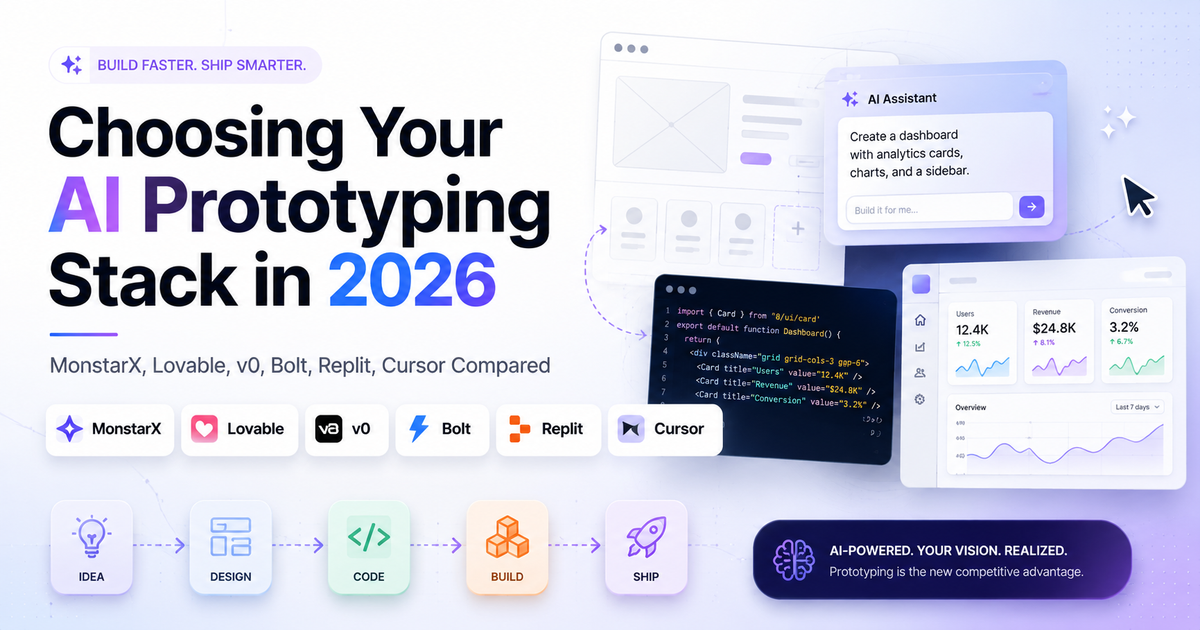
Choosing Your AI Prototyping Stack in 2026: MonstarX, Lovable, v0, Bolt, Replit, Cursor Compared

By Kristine Ling · June 19, 2026 · 11 min read
I go back and test the major AI builders every few months. The tools move fast, the positioning shifts, and something that was genuinely the best option six months ago may have been overtaken by something that handles your specific use case better. This is my current read after doing that again.
Quick disclaimer on how I'm evaluating these! I am not testing them on "can it make a pretty UI for someone who cannot code." At this point, they all can. What I am looking for is something more useful: a versatile tool that can take me from throwaway prototype all the way to an internal tool or small production-ready app, handle backend and database without requiring me to make a dozen separate decisions, generate code I can actually hand to a developer if needed, and do all of this in one environment without making me touch code I do not understand.
The audience I am thinking about is broader than developers. Product managers, marketers, founders, and ops teams are all building with these tools now. Sales teams are spinning up demos tailored to specific customers. People ops is building onboarding tools. Marketing is building dashboards and landing pages that would have gone into a six-week dev backlog a year ago. The tool that works for all of them is not necessarily the same one.
TL;DR: Which Tool to Pick
- If you want to build anything from a throwaway prototype to a mobile app or full-stack SaaS without touching code, and you want the backend handled automatically: MonstarX
- If you want one tool for going from quick prototype to a serious production web app with GitHub sync: Lovable
- If you are already in the Vercel ecosystem and want clean React UI components fast: v0 by Vercel
- If you need a specific framework like Angular or React Native: Bolt or Replit
- If you want to explore multiple design directions on a shared canvas before committing: Magic Patterns
- If you want to prototype directly from your existing Figma files: Figma Make
- If you are comfortable with code and want full control over an existing or growing codebase: Cursor
What I Test For
When I evaluate AI builders, four questions matter most.
First: is this a genuinely complete, intuitive working environment for solo builders and teams? Can I do most of what I need without switching tabs?
Second: can I get a backend, database, authentication, and deployment without it becoming a separate project?
Third: can I reuse the code, hand it to a developer, and collaborate without pain?
Fourth: how well does it handle actual AI features like chat, reasoning, or text-and-image generation built into the product I'm making?
With those criteria in mind, here is where each tool lands.
MonstarX
MonstarX is the tool I reach for when the goal is to ship something real, not just prototype something beautiful.
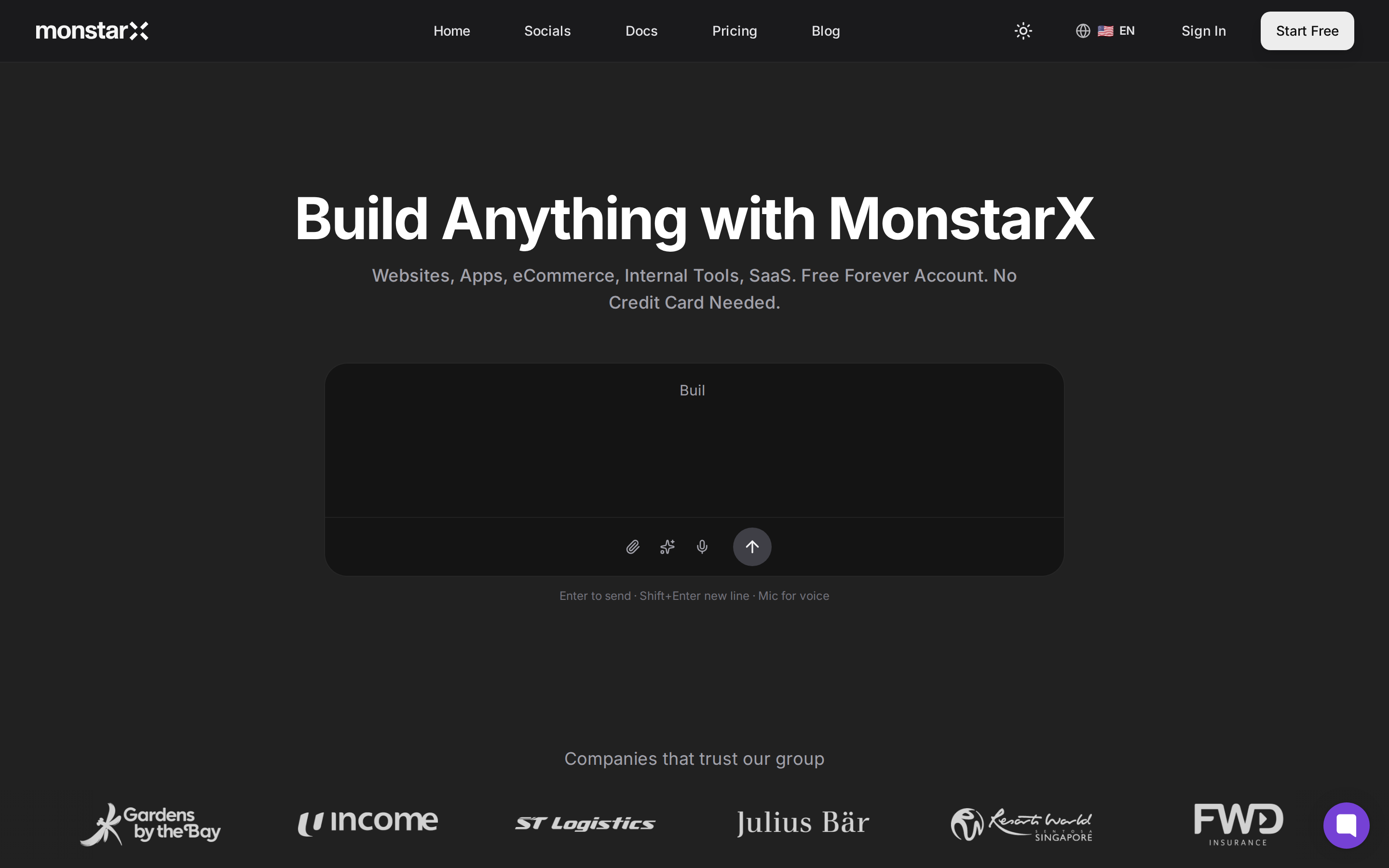
The structural difference between MonstarX and most other builders starts before the first line of code. When you open a new project, MonstarX asks you to define your scope: is this a marketing site, a full application with authentication, something that also needs an admin dashboard? That question sounds simple but it changes everything downstream. A marketing site and a full-stack application require completely different architectures, and choosing the wrong one at the start costs you time you do not get back. Forcing that decision upfront means the build that follows is actually building the right thing.
After scope, MonstarX generates a Product Requirements Document. It lists every page it plans to build, the visual direction, the authentication flow, database considerations, and any technical flags specific to your product type. You can edit it. In practice, if you have described your idea clearly, you usually will not need to. What it gives you is confirmation that the system has understood what you meant before it does four hours of work in the wrong direction.
The build itself runs in phases. Each phase completes and then tells you what it did before the next one begins. That checkpoint model is the single most underrated feature in any AI builder I have tested. It means an error caught at phase two does not compound through phases three, four, and five. Editing feels safe rather than risky.
Where MonstarX genuinely separates itself from every other tool in this guide is two things. The first is the Connectors tab. Stripe, Twilio, Resend, Google Maps, Google Analytics, and AI APIs from Anthropic and OpenAI are all available in one place. You add your API key and the integration is handled without documentation reading or manual wiring. For a founder or product manager who is not a developer, this is the difference between a demo and a product you can actually run a business on. I have written about this at length in the MonstarX review and in the Plank build walkthrough.
The second is mobile. MonstarX generates native iOS and Android apps from the same prompt that builds your web application. No other major tool in this comparison does that. If your product needs to live on a device rather than a browser, this is currently the only option that handles it without a separate workflow.
On pricing, the free plan gives you three credits per day with a daily reset. Not a monthly cap that runs out on day four of a build sprint. Three credits, every morning. The paid Solo plan starts at $13 per month, which is lower than every other paid tier in this guide.
The honest limitation: MonstarX is a newer platform with a smaller community and template library than Lovable or Bolt. And mobile generation uses more credits per build, so if you are on the free plan and building for both web and mobile simultaneously, you will feel it.
Best for: Non-technical founders, product managers, and teams who need a full product — web and mobile — with the backend handled automatically and no integration configuration required.
Pricing: Free (3 credits/day, daily reset), Solo $13/mo, Pro $20/mo, Teams $59/mo
Lovable
Lovable is still the most complete single environment for going from a tiny prototype to a serious production web application without switching tools.
It has become my default recommendation for design and product workshops because of how it handles the full journey. You can design components, wire them to a backend and database through Lovable Cloud (backed by Supabase), and deploy, all from the same interface. If you leave something out of your prompt, Lovable scaffolds the missing pieces rather than stopping and asking you what to do. That forgiving quality makes it particularly strong for people who have never shipped code before.
The bi-directional GitHub sync is the feature that keeps experienced builders in Lovable past the prototype stage. You can push your project out, work on it in Cursor or a standard IDE, and pull the changes back in. That is what makes hybrid workflows possible. If you are curious about how that looks in practice, the post on Lovable alternatives covers where Lovable's ceiling starts to appear and what to reach for when you hit it.
The Gemini integration for AI features is a genuine convenience. You can add chat, text generation, image analysis, and other AI-powered behaviour to your product without touching an API key.
Lovable is also fully enterprise-ready and strong on team collaboration, which matters for organisations with more than one person building.
The honest gap is mobile. Lovable builds web applications. If your roadmap includes an iOS or Android version, you will need a separate tool or a separate workflow. For teams where that gap matters, MonstarX is currently the only AI builder that closes it in the same environment.
Best for: Founders and teams who want to go from prototype to production-ready web app in one place, with proper version control from day one.
Pricing: Free (30 messages/mo), Pro $25/mo, Business $50/mo
v0 by Vercel
v0 is not a full-stack builder in the same way Lovable or MonstarX is. It is a UI generator with a specific, well-defined strength: it produces clean, production-quality React components faster than almost anything else.
By default, v0 generates calmer, more visually restrained UI than most of its competitors. Where some tools pile on decoration, v0 tends toward clean structure. You can steer both directions with prompts, but the default output is something I trust to show to an engineer or a client without apologising for it.
The Supabase integration has improved. v0 can now create Supabase tables and functions from the same interface, which makes it meaningfully more complete than it was six months ago. The AI Gateway that lets you plug in multiple models, including Claude, Gemini, and OpenAI, is a strong feature for teams building AI-powered interfaces.
The constraint is stack opinion. v0 is committed to React, Tailwind, and shadcn/ui. That produces consistency and quality, but it means you will not get Angular, Vue, or anything that deviates from that specific combination. GitHub export is also one-way only, which limits the kind of hybrid Cursor-to-v0 workflows that bi-directional sync enables.
If you want to understand how v0 and MonstarX stack up specifically, the MonstarX vs v0 comparison goes into detail on where each one fits.
Best for: Frontend developers and teams in the Vercel ecosystem who want fast, consistent, high-quality React component generation.
Pricing: Free ($5 credits/mo), Premium $20/mo
Bolt and Replit
Bolt and Replit earn their place in this guide through framework flexibility. Both can scaffold full-stack applications across React, Angular, Vue, and React Native. If you have a specific framework requirement that Lovable or MonstarX does not accommodate, these are the natural places to look.
Bolt is positioned as a "prompt to full-stack app" browser tool. It has a built-in backend and database powered by Supabase, and it has grown significantly in the past year. The UX is still rougher than Lovable and the error rate is higher, which means more debugging passes. But for teams that need Angular or are targeting an App Store release with React Native, Bolt is one of the more natural fits available.
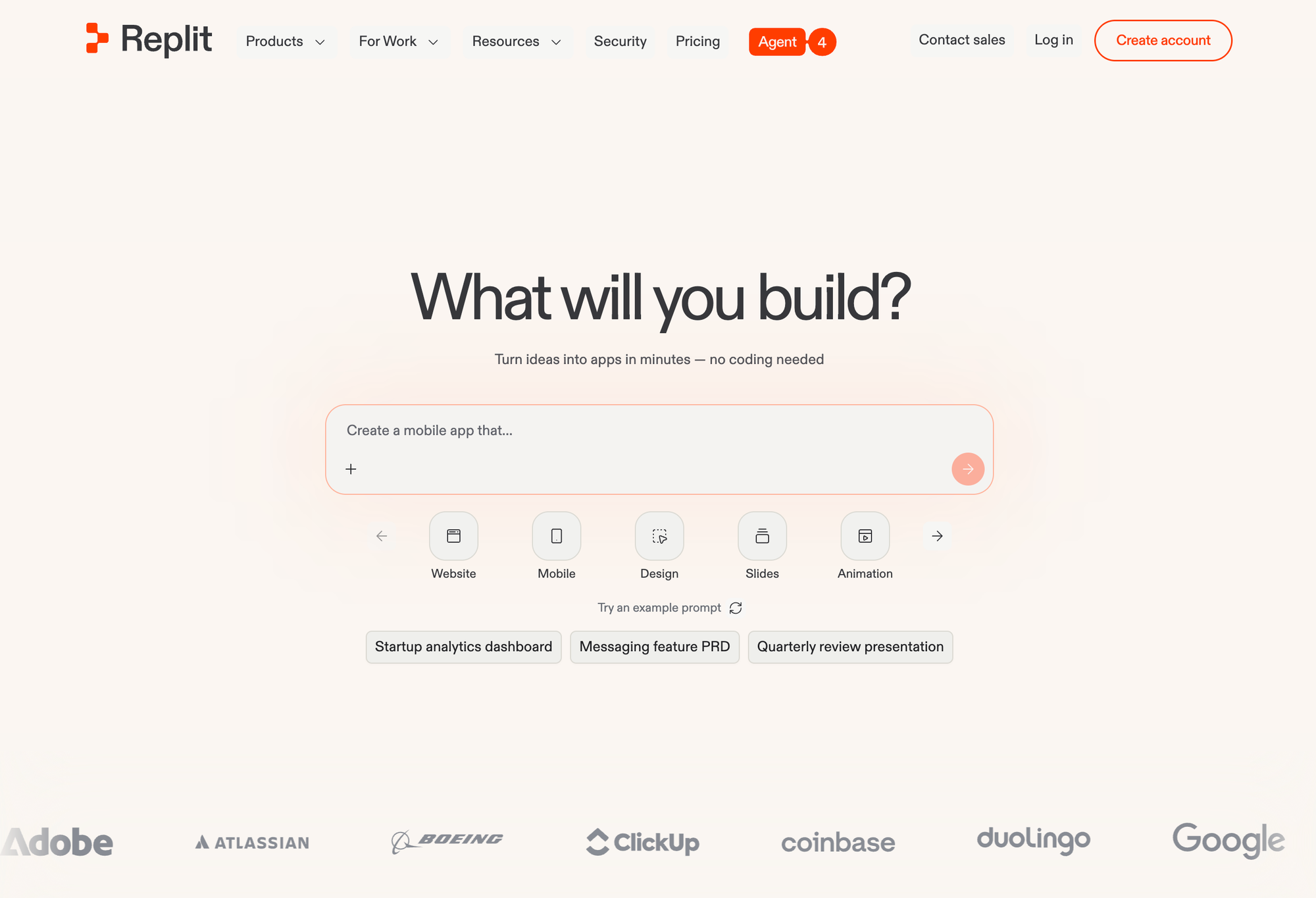
Replit is closer to a full development environment with a powerful AI agent embedded in it. You can prompt an app into existence, keep editing it, and deploy from the same place. The power is real but so is the complexity. Replit feels more like a developer environment than a low-code tool, which means it rewards people who are comfortable thinking in code even if they are not writing it themselves.
Both support two-way GitHub sync, which is something most low-code tools still handle poorly. That matters if you are building something you plan to hand off to a developer or continue in a proper IDE.
For founders weighing Replit specifically, the best Replit alternatives post covers what to expect and where the ceiling tends to appear. For Bolt, the Bolt alternatives guide runs through the same analysis.
Best for: Teams with specific framework requirements, or developers who want AI assistance inside a browser-based coding environment.
Pricing: Bolt free (1M tokens/mo), Pro $25/mo. Replit free (Hobby), Core $25/mo.
Figma Make
Figma Make earns a spot in this guide because it starts where a large percentage of designers already live.
Its main strength is precision. If you have a Figma file that represents what the product should look like, Make can implement it as an interactive prototype that stays visually close to the original. For designers, this is genuinely useful in a way that builders starting from a blank prompt are not.
The limitations appear quickly once you try to treat the output as real application code. The generated code is awkward to reuse outside Figma, and layering your own logic and data structures on top gets messy. The Supabase connection exists but has more bugs than comparable integrations in Lovable or MonstarX.
If you already pay for Figma, Make comes without additional cost, which is a meaningful advantage for teams that want richer prototypes without budget overhead.
I see Figma Make as the right tool for one specific thing: bringing life to a Figma design file and showing stakeholders a clickable version with real-feeling interactions. For building something you actually plan to ship, the other options in this guide are more reliable.
Best for: Designers who want to turn Figma files into interactive prototypes without leaving the Figma environment.
Pricing: Included with Figma subscriptions.
Magic Patterns
Magic Patterns occupies a narrow but real use case: exploring multiple interface ideas in parallel on a shared canvas.
You can generate many variations of the same concept, place them side by side, and walk stakeholders through the options in one place. The canvas supports light collaboration, which makes it useful for early-stage design reviews where you want to show three directions rather than one.
The backend and data story is weaker than Lovable, MonstarX, or Bolt. Magic Patterns is focused on design exploration and variation testing, not on shipping internal tools with complex logic. It now supports Figma import and OpenAI models via your own key, and the integrations are improving, but if the goal is building something functional, you will outgrow Magic Patterns quickly.
I think of it as a useful complement to a build workflow rather than a primary tool. Explore directions here, commit to one, then move the actual build into a more complete environment.
Best for: Design and product teams who need to compare multiple UI directions quickly before committing to a single approach.
Pricing: Free tier available, paid plans from $15/mo.
Cursor
Cursor is a different category from everything else in this guide. It is an AI-powered IDE, not a low-code builder.
I reach for Cursor when I need to work in a real codebase, not when I want to avoid code entirely. It has strong awareness of your whole project, supports multiple AI coding models, and handles multi-agent workflows that can plan, edit, and refactor across large repositories in ways that browser-based builders cannot match.
The Figma MCP integration is one of Cursor's most underrated strengths for design-adjacent work. It can convert Figma designs into meaningful code better than Figma Make does in practice, which is ironic but true.
Cursor does not come with one-click deployment, built-in databases, or a low-code UX. You bring your own stack and integrate your tools manually. That is both the limitation and the point: Cursor gives you complete control in exchange for requiring that you know what you are doing.
The workflow I find most effective is to prototype fast in Lovable or MonstarX, validate the idea, and then move into Cursor once the project is serious enough to need a proper codebase and ongoing engineering work. The vibe coding and visual debugging post covers what that handoff looks like in practice.
Best for: Developers and technical founders who want full AI assistance inside a real IDE, working on existing or growing codebases.
Pricing: Hobby free, Pro $20/mo, Business $40/mo.
Comparison Table
| Tool | Best for | Mobile | Backend auto | Free plan | Starting price |
|---|---|---|---|---|---|
| MonstarX | Non-technical founders, full-stack + mobile | Yes (iOS + Android) | Yes, full | Yes (3/day reset) | $13/mo |
| Lovable | Web apps, teams, GitHub sync | No | Yes (Supabase) | Yes (30 msg/mo) | $25/mo |
| v0 by Vercel | React UI components, Vercel teams | No | Partial | Yes ($5 credits) | $20/mo |
| Bolt | Angular, React Native, framework flex | No | Yes (Supabase) | Yes (1M tokens) | $25/mo |
| Replit | Full dev environment + AI agent | No | Yes, self-managed | Yes (Hobby) | $25/mo |
| Figma Make | Design-to-prototype from Figma | No | Partial | With Figma plan | Included |
| Magic Patterns | Design exploration, variation testing | No | No | Yes | $15/mo |
| Cursor | Developers, existing codebases | No | Self-managed | Yes (Hobby) | $20/mo |
How to Actually Choose
Do not overthink this. All of these tools are genuinely capable. The version of this decision that leads people astray is trying to pick the theoretically best tool rather than the practically right one for their current situation.
If you are a non-technical founder or a product person who wants to go from idea to a working product without making backend decisions, start with MonstarX. It handles the most ground automatically and is the only tool that also gives you mobile output. The future of software post covers why this category of tool matters more than it might seem.
If you are a designer or developer who already works in React and wants the most complete single-environment experience for web applications, Lovable is the strongest option.
If you are already in the Vercel ecosystem and primarily need clean UI components, v0 is the natural fit.
If you have a specific framework requirement or want developer-level access in a browser, look at Bolt and Replit. If you are comfortable in a real IDE and want the most complete AI coding experience, move to Cursor.
The tools are more similar to each other than their marketing suggests. Once you master the workflow in one, picking up another takes hours, not weeks. Start with the option that fits your current situation, build something real with it, and move when you hit the ceiling.