
I Tested 6 AI Builders in 2026 So You Don't Have To (Honest Breakdown)


By Kristine Ling · June 20, 2026 · 9 min read
I get asked constantly which AI builder to use. My answer used to be "it depends." That is still true, but I now have a much clearer sense of what it depends on, because I have spent real time and real money inside every major tool to find out.
This is a pragmatic review. I am not affiliated with any of these products. I am going to tell you what each tool does well, what is genuinely annoying about it, and who should actually be using it. You can skip to the tool you care about most, or read straight through if you are still figuring out where to start.
The tools I tested: MonstarX, v0 by Vercel, Lovable, Bolt.new, Replit, and Cursor.
MonstarX
MonstarX is the tool I wish had existed two years ago.
The thing that separates it from everything else in this list is how it handles the build before the build starts. Most AI tools take your prompt and immediately start generating. MonstarX stops and asks you what you actually need: is this a marketing site, a full application with authentication, something that needs an admin dashboard too? That question sounds small but it determines the entire architecture. Getting it wrong at the start means rebuilding from scratch later.
After scope, it generates a Product Requirements Document before writing a single line. You can edit it. In practice, if you described your idea clearly, the PRD is usually right and you can approve it and move on. What it gives you is a moment to confirm the system understood you before it commits to four phases of work.
The build runs in phases. Each phase completes, tells you what it built, and asks whether to continue. I caught a data structure issue at phase two in one of my builds that would have been painful to unwind after phase five. The checkpoint model makes editing feel safe rather than risky.
The standout feature is the Connectors tab. Stripe, Twilio, Resend, Google Maps, Google Analytics, and AI APIs from Anthropic and OpenAI are all accessible in one place. You add an API key and the integration is handled. For a non-technical founder, this is the feature that turns a demo into a business tool. I have written about this in more detail in the MonstarX full review and in the Plank full-stack build post.
The other thing no other tool in this list does: native iOS and Android output from the same prompt. If your product needs to live on a phone, MonstarX is currently the only option that handles it without a separate workflow.
What's great: Scope selector + PRD prevents wasted builds. Phased checkpoints make editing safe. Full backend auto-generated. Mobile output. Connectors for Stripe, Twilio, AI APIs without manual configuration.
What's annoying: Newer platform, smaller community than Lovable or Bolt. Mobile builds use more credits per generation. Template library is still growing.
Best for: Non-technical founders, product managers, and anyone who wants a full product (web and mobile) built automatically without making backend decisions.
Pricing: Free (3 credits/day, daily reset), Solo $13/mo, Pro $20/mo, Teams $59/mo
v0 by Vercel
v0 is super simple and I use it almost every day, but it is important to understand exactly what it is.
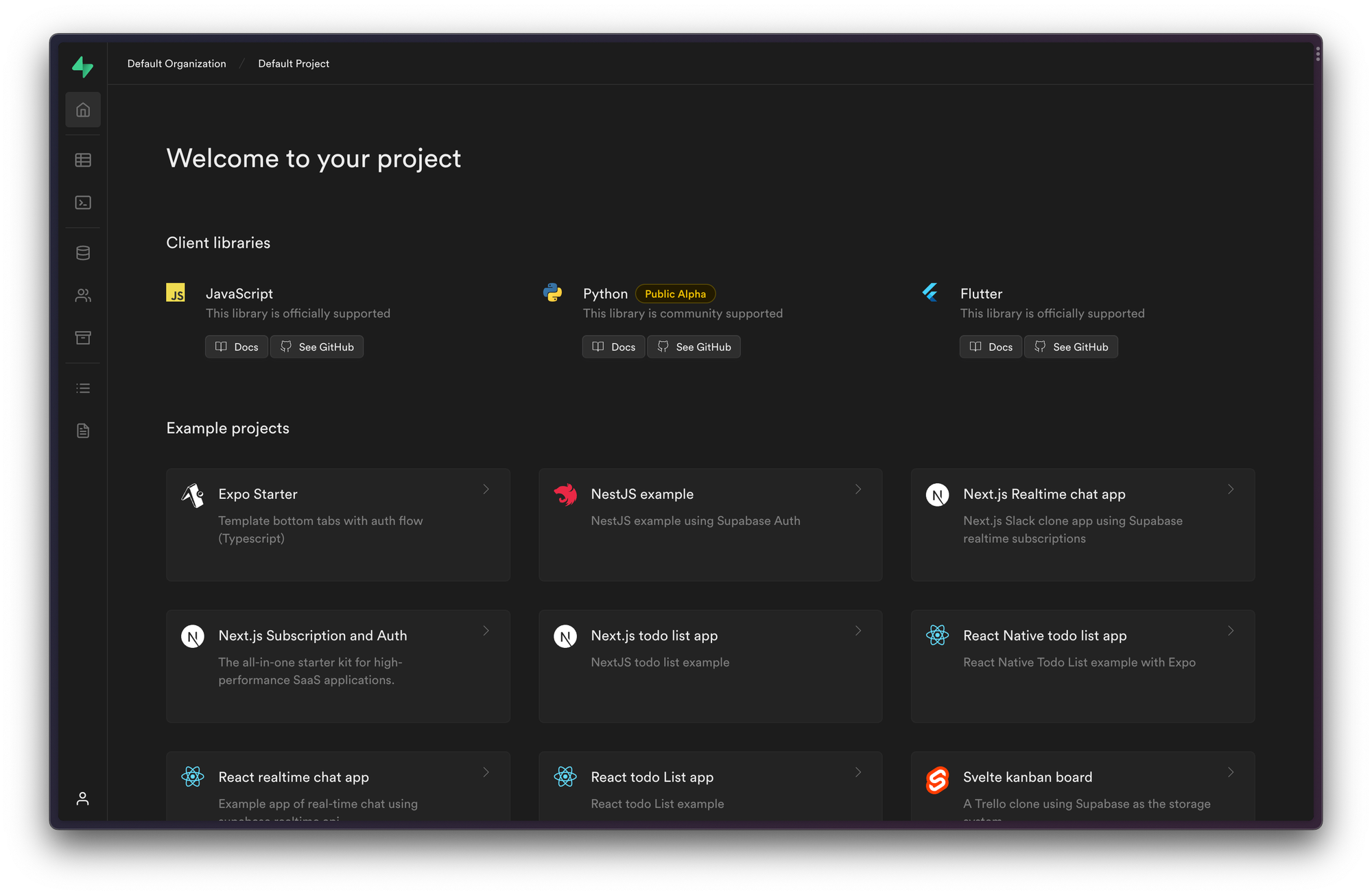
The interface is clean: chat on one side, code and preview on the other. You describe a UI and it generates it. The output is consistently clean React using Tailwind and shadcn/ui. For prototypes, landing pages, and component work it looks genuinely good without much prompting.
Where v0 excels is speed and visual quality. The first pass is usually impressive. It does not generate the kind of sloppy, inconsistent markup that other tools sometimes produce.
Where it gets frustrating: once a project gets large, it slows down noticeably. If you are trying to change something specific and small, you sometimes end up triggering a larger regeneration than you needed. The GitHub export is one-way only, which limits hybrid workflows. And v0 is strictly React and Tailwind, so if your stack is different, it is not the right tool.
The Supabase integration has improved significantly. You can now create Supabase tables and functions directly from v0, which closes a gap that used to be a dealbreaker for any project with real data. The AI Gateway for plugging in Claude, Gemini, and OpenAI is also a genuine plus for teams building AI-powered interfaces.
For a deeper comparison of how v0 and MonstarX stack up, the MonstarX vs v0 post covers the specifics.
What's great: Fast, clean React component output. Consistent visual quality. Strong Vercel integration. Improving Supabase support.
What's annoying: Slows down on large projects. One-way GitHub export. Very opinionated on stack (React/Tailwind only). No mobile output, no full-stack backend.
Best for: Developers and designers building on Vercel who want fast, high-quality UI components and prototypes.
Pricing: Free ($5 credits/mo, no rollover), Premium $20/mo
Lovable
Lovable is the tool I recommend most often to people who ask me where to start building, and that is not an accident.
It is the most complete single environment I have found for going from a quick prototype all the way to a serious production web application without switching tools or contexts. You can design components, wire them to Supabase through the Lovable interface, add authentication, and deploy, all without leaving the tab.
The bi-directional GitHub sync is the feature that keeps Lovable useful past the prototyping stage. You can push your project to GitHub, work on it in Cursor or a standard IDE, and pull the changes back in. That is what enables the hybrid workflow of prototyping fast in Lovable and then graduating into proper engineering when the project grows. For a detailed look at alternatives if you hit Lovable's ceiling, the Lovable alternatives guide covers what comes next.
The Gemini integration for AI features means you can add chat, text generation, image analysis, and similar functionality without touching an API key, which is a genuine convenience for teams building AI-powered products.
The main limitation is mobile. Lovable builds web applications. If you need iOS or Android, you need a different tool or a separate workflow.
What's great: Complete environment from prototype to production. Bi-directional GitHub sync. Automatic backend scaffolding. Strong team collaboration. Gemini integration for AI features.
What's annoying: Free tier limited to 30 messages/month. No mobile output. Occasionally generates inconsistent UI patterns that need prompting to correct.
Best for: Founders and teams building web applications who want to stay in one environment from first prototype to shipped product.
Pricing: Free (30 messages/mo), Pro $25/mo, Business $50/mo
Bolt.new
Bolt's biggest advantage over most tools in this list is framework flexibility. Where Lovable and v0 are opinionated about React, Bolt can scaffold applications in React, Angular, Vue, and React Native. If you have a specific framework requirement, Bolt is often the only browser-based tool that handles it.
The build quality has improved significantly in 2026. Bolt now has a built-in backend and database powered by Supabase, and the two-way GitHub sync is genuinely reliable. For developers who want to prototype fast and then hand off a proper codebase, Bolt gives you something meaningful to work from.
The honest frustration: the UX is rougher than Lovable, and the error rate in generated output is higher. You will spend more time debugging and correcting than you would in Lovable. For someone who just wants to get something working fast and does not care about the underlying framework, that friction adds up.
For a full breakdown of where Bolt fits in the alternatives landscape, the Bolt alternatives post runs through the specifics.
What's great: Framework flexibility (React, Angular, Vue, React Native). Two-way GitHub sync. Full-stack with Supabase backend. Good for developer-grade boilerplate.
What's annoying: Rougher UX than Lovable. More bugs in generated output. Steeper learning curve for beginners.
Best for: Developers who need Angular, React Native, or framework-specific output, and are comfortable doing some debugging.
Pricing: Free (1M tokens/mo), Pro $25/mo
Replit
Replit is the most powerful tool in this list for people who are comfortable thinking in code, even if they are not writing every line themselves.
It is not a low-code AI builder. It is a full cloud development environment with a strong AI agent embedded in the workflow. You can prompt an app into existence, keep iterating on it, and deploy from the same place, with the AI able to read and edit every file in your project. That full-context awareness produces better, more coherent edits than tools that can only see the current prompt.
The power is real but so is the complexity. Replit feels more like a developer environment than a builder tool. For someone who came to vibe coding specifically to avoid dealing with code, Replit will not give them that. For someone with some technical background who wants maximum control without leaving the browser, Replit is the strongest option available.
Two-way GitHub sync, persistent filesystem, secrets management, and one-click deployment are all built in. For a detailed look at what Replit does well and where it falls short, the Replit alternatives guide has the full breakdown.
What's great: Full cloud dev environment with complete file-level AI context. Two-way GitHub sync. Strong deployment flow. Best for browser-based developer workflows.
What's annoying: Not beginner-friendly. Expects some code comfort. More complex than most people need for simple builds.
Best for: Technical founders and developers who want full AI assistance inside a browser-based coding environment without local setup.
Pricing: Free (Hobby), Core $25/mo, Teams $40/mo
Cursor
Cursor is in a completely different category from everything else in this guide. It is an AI-powered IDE, not a browser-based builder. I am including it because it keeps coming up in these comparisons and the distinction matters.
Cursor is what I reach for when a project has grown beyond what a browser-based builder handles cleanly, or when I need to work in an existing codebase. It has strong project-wide awareness, supports multi-agent workflows for planning and refactoring across large repositories, and handles the Figma MCP integration for design-to-code workflows better than most dedicated design tools.
What Cursor does not do: one-click deployment, built-in databases, a visual builder interface, or anything that could be called low-code. You bring your own stack and your own integrations. Cursor helps you with them, but only if you understand what you are building.
The workflow I find most effective is: prototype in MonstarX or Lovable, validate the idea, then move into Cursor once the project is serious enough to need a real codebase and ongoing engineering work. For a read on why this transition point matters, the vibe coding and debugging post covers what it looks like in practice.
What's great: Full AI awareness of existing codebases. Multi-agent refactoring. Best Figma MCP integration. Works with any framework or language.
What's annoying: Requires coding knowledge. No visual builder, no built-in deployment, no databases. Steep learning curve for non-technical users.
Best for: Developers and technical founders who have outgrown low-code tools and want full AI assistance inside a real IDE.
Pricing: Hobby free, Pro $20/mo, Business $40/mo
Quick Comparison Table
| Tool | Best for | Mobile | Backend auto | Free plan | Starting price |
|---|---|---|---|---|---|
| MonstarX | Full-stack + mobile, non-technical founders | Yes (iOS + Android) | Yes, full | Yes (3/day reset) | $13/mo |
| Lovable | Web apps, teams, GitHub workflows | No | Yes (Supabase) | Yes (30 msg/mo) | $25/mo |
| v0 | React UI components, Vercel teams | No | Partial | Yes ($5 credits) | $20/mo |
| Bolt.new | Framework flexibility, Angular, React Native | No | Yes (Supabase) | Yes (1M tokens) | $25/mo |
| Replit | Browser-based dev environment + AI | No | Self-managed | Yes (Hobby) | $25/mo |
| Cursor | Professional development, existing codebases | No | Self-managed | Yes (Hobby) | $20/mo |
My Recommendations
If you are not a developer and you want to build something real, start with MonstarX. The scope selector, PRD, phased builds, and Connectors tab handle everything that would otherwise require technical decisions. It is also the only tool with mobile output, and at $13/mo for the paid tier it is the cheapest full-stack option in this group.
If you are a developer or designer who wants the best web prototyping environment with GitHub sync and wants to stay in one tool from prototype to production, use Lovable.
If you primarily need clean UI components and you are building on Vercel, v0 is the most consistent option and the daily use case I keep coming back to for component work.
If you have a specific framework requirement (Angular, React Native), Bolt.new is the natural fit. If you want developer-level browser-based control, Replit is stronger.
If you are past prototyping and working in a real codebase, Cursor is where professional AI-assisted development lives.
As the future of software post argues, the bar for what is buildable without a developer has genuinely moved. Whichever tool you pick from this list, you will have significantly more capability than anyone doing this two years ago.